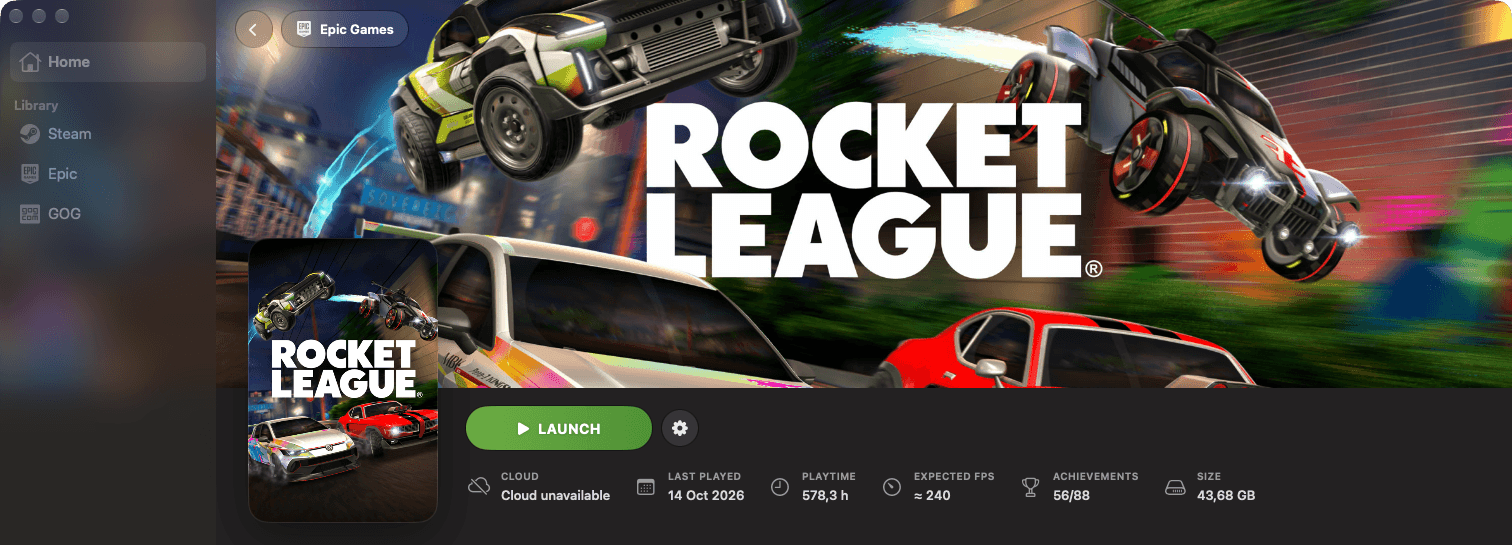
Rocket League® | 60 fpsMedian60 fps1% low30 fps | 120 fpsMedian120 fps1% low48 fps | 120 fpsMedian120 fps1% low48 fps | 60 fpsMedian60 fps1% low30 fps | 100 fpsMedian100 fps1% low40 fps | 60 fpsMedian60 fps1% low30 fps | 60 fpsMedian60 fps1% low30 fps | 60 fpsMedian60 fps1% low30 fps | 120 fpsMedian120 fps1% low60 fps | 75 fpsMedian75 fps1% low60 fps | 60 fpsMedian60 fps1% low30 fps | 60 fpsMedian60 fps1% low34 fps | 120 fpsMedian120 fps1% low48 fps | 120 fpsMedian120 fps1% low60 fps | 60 fpsMedian60 fps1% low30 fps | 120 fpsMedian120 fps1% low60 fps | 120 fpsMedian120 fps1% low60 fps | – | 120 fpsMedian120 fps1% low60 fps | 60 fpsMedian60 fps1% low30 fps | 3% | 24 Nov 26 |
 HELLDIVERS™ 2 | – | 34 fpsMedian34 fps1% low11 fps | 30 fpsMedian30 fps1% low13 fps | 60 fpsMedian60 fps1% low16 fps | 48 fpsMedian48 fps1% low24 fps | 60 fpsMedian60 fps1% low20 fps | – | – | 90 fpsMedian90 fps1% low12 fps | 60 fpsMedian60 fps1% low7 fps | – | 36 fpsMedian36 fps1% low20 fps | 30 fpsMedian30 fps1% low14 fps | 40 fpsMedian40 fps1% low24 fps | 30 fpsMedian30 fps1% low13 fps | 40 fpsMedian40 fps1% low20 fps | 60 fpsMedian60 fps1% low20 fps | – | 40 fpsMedian40 fps1% low20 fps | 16 fpsMedian16 fps1% low3 fps | 9% | 24 Nov 26 |
 VRChat | 60 fpsMedian60 fps1% low9 fps | 120 fpsMedian120 fps1% low30 fps | – | 30 fpsMedian30 fps1% low7 fps | 120 fpsMedian120 fps1% low40 fps | – | – | 60 fpsMedian60 fps1% low20 fps | 120 fpsMedian120 fps1% low20 fps | – | – | 60 fpsMedian60 fps1% low20 fps | 120 fpsMedian120 fps1% low35 fps | – | 60 fpsMedian60 fps1% low30 fps | 60 fpsMedian60 fps1% low32 fps | 240 fpsMedian240 fps1% low80 fps | – | – | 30 fpsMedian30 fps1% low4 fps | 11% | 24 Nov 26 |
 Fall Guys | 60 fpsMedian60 fps1% low29 fps | 60 fpsMedian60 fps1% low30 fps | 120 fpsMedian120 fps1% low60 fps | 60 fpsMedian60 fps1% low30 fps | – | 30 fpsMedian30 fps1% low30 fps | – | 60 fpsMedian60 fps1% low20 fps | – | – | – | 60 fpsMedian60 fps1% low30 fps | 120 fpsMedian120 fps1% low48 fps | 60 fpsMedian60 fps1% low60 fps | 120 fpsMedian120 fps1% low60 fps | 120 fpsMedian120 fps1% low41 fps | 240 fpsMedian240 fps1% low80 fps | – | – | 60 fpsMedian60 fps1% low16 fps | 11% | 24 Nov 26 |
 Bodycam | – | 60 fpsMedian60 fps1% low8 fps | 60 fpsMedian60 fps1% low20 fps | – | – | 50 fpsMedian50 fps1% low33 fps | – | – | 48 fpsMedian48 fps1% low11 fps | – | – | 60 fpsMedian60 fps1% low2 fps | 60 fpsMedian60 fps1% low17 fps | 50 fpsMedian50 fps1% low25 fps | 40 fpsMedian40 fps1% low17 fps | 60 fpsMedian60 fps1% low30 fps | 60 fpsMedian60 fps1% low26 fps | 72 fpsMedian72 fps1% low29 fps | – | – | 13% | 24 Nov 26 |
 Hunt: Showdown 1896 | – | – | – | – | – | – | – | – | – | 60 fpsMedian60 fps1% low30 fps | – | – | – | – | 60 fpsMedian60 fps1% low36 fps | 58 fpsMedian58 fps1% low22 fps | 41 fpsMedian41 fps1% low27 fps | – | 60 fpsMedian60 fps1% low20 fps | – | 48% | 22 Nov 26 |
 Dead by Daylight | 30 fpsMedian30 fps1% low12 fps | 120 fpsMedian120 fps1% low34 fps | 30 fpsMedian30 fps1% low17 fps | – | 60 fpsMedian60 fps1% low5 fps | – | – | – | – | – | – | 60 fpsMedian60 fps1% low20 fps | 120 fpsMedian120 fps1% low40 fps | – | 60 fpsMedian60 fps1% low30 fps | 80 fpsMedian80 fps1% low42 fps | 72 fpsMedian72 fps1% low48 fps | – | – | – | 7% | 23 Nov 26 |
 THE FINALS | – | 40 fpsMedian40 fps1% low19 fps | – | 41 fpsMedian41 fps1% low0 fps | – | – | – | – | – | – | – | 30 fpsMedian30 fps1% low12 fps | 40 fpsMedian40 fps1% low20 fps | – | 60 fpsMedian60 fps1% low30 fps | 40 fpsMedian40 fps1% low24 fps | 80 fpsMedian80 fps1% low30 fps | – | 40 fpsMedian40 fps1% low24 fps | – | 26% | 23 Nov 26 |
 The Texas Chain Saw Massacre | – | – | – | – | – | – | – | – | – | – | – | – | – | – | 117 fpsMedian117 fps1% low47 fps | – | – | – | – | – | 0% | 23 Nov 26 |
 Kingdom Come: Deliverance | – | – | – | – | – | – | – | – | – | – | 61 fpsMedian61 fps1% low34 fps | – | – | – | – | – | – | – | – | – | 3% | 11 Nov 26 |
 Fortnite | – | – | – | – | – | – | – | – | – | – | – | – | – | – | – | – | – | – | – | – | 89% | 23 Nov 26 |
 ROB RUN | – | – | – | 60 fpsMedian60 fps1% low60 fps | 120 fpsMedian120 fps1% low120 fps | – | – | – | – | – | – | 60 fpsMedian60 fps1% low38 fps | 120 fpsMedian120 fps1% low90 fps | – | 60 fpsMedian60 fps1% low60 fps | – | – | – | 144 fpsMedian144 fps1% low144 fps | – | 10% | 24 Nov 26 |
 Counter-Strike 2 | 31 fpsMedian31 fps1% low8 fps | 47 fpsMedian47 fps1% low18 fps | 120 fpsMedian120 fps1% low48 fps | 44 fpsMedian44 fps1% low8 fps | 120 fpsMedian120 fps1% low40 fps | – | – | – | – | 87 fpsMedian87 fps1% low21 fps | – | 84 fpsMedian84 fps1% low34 fps | 120 fpsMedian120 fps1% low48 fps | 83 fpsMedian83 fps1% low10 fps | 80 fpsMedian80 fps1% low34 fps | 120 fpsMedian120 fps1% low60 fps | 151 fpsMedian151 fps1% low48 fps | – | 116 fpsMedian116 fps1% low66 fps | – | 20% | 24 Nov 26 |
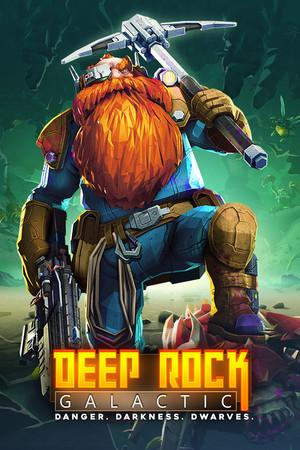 Deep Rock Galactic | – | – | – | – | – | – | – | – | 120 fpsMedian120 fps1% low88 fps | – | – | – | 91 fpsMedian91 fps1% low42 fps | 100 fpsMedian100 fps1% low41 fps | – | – | – | – | – | 60 fpsMedian60 fps1% low16 fps | 0% | 24 Nov 26 |
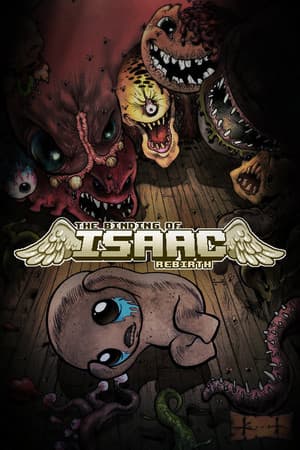 The Binding of Isaac: Rebirth | – | – | – | – | – | – | – | – | – | – | – | – | – | – | – | – | – | – | – | – | 6% | 24 Nov 26 |
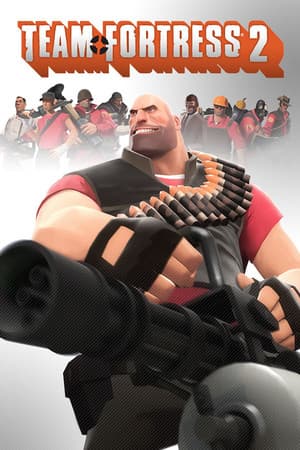 Team Fortress 2 | – | – | – | – | – | – | – | – | – | – | – | – | – | – | – | – | – | – | – | – | 31% | 22 Nov 26 |
 Grand Theft Auto V Enhanced | – | – | – | – | – | – | – | – | – | – | – | – | – | – | 25 fpsMedian25 fps1% low1 fps | – | – | – | – | – | 40% | 23 Nov 26 |
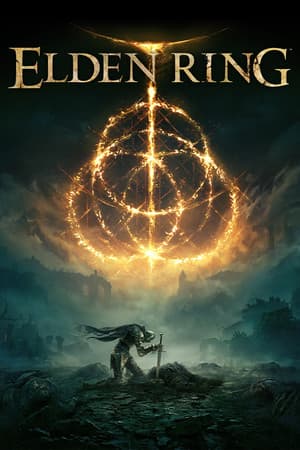 ELDEN RING | – | 60 fpsMedian60 fps1% low30 fps | – | – | – | – | – | – | 60 fpsMedian60 fps1% low20 fps | – | – | – | 60 fpsMedian60 fps1% low3 fps | – | 60 fpsMedian60 fps1% low20 fps | 60 fpsMedian60 fps1% low1 fps | 60 fpsMedian60 fps1% low40 fps | – | – | – | 21% | 23 Nov 26 |
 Deadlock | – | 102 fpsMedian102 fps1% low40 fps | 96 fpsMedian96 fps1% low45 fps | – | – | – | – | 57 fpsMedian57 fps1% low4 fps | 82 fpsMedian82 fps1% low44 fps | – | – | 69 fpsMedian69 fps1% low26 fps | 122 fpsMedian122 fps1% low43 fps | 110 fpsMedian110 fps1% low26 fps | 60 fpsMedian60 fps1% low30 fps | – | – | – | 57 fpsMedian57 fps1% low40 fps | – | 9% | 23 Nov 26 |
 Halloween: The Game | – | – | – | – | – | – | – | – | – | – | – | – | – | – | 60 fpsMedian60 fps1% low17 fps | – | 60 fpsMedian60 fps1% low40 fps | – | – | – | 16% | 4 Nov 26 |
 Hell Let Loose: Vietnam | – | – | – | – | – | – | – | – | – | – | – | – | – | – | 60 fpsMedian60 fps1% low10 fps | – | – | – | – | – | 0% | 18 Nov 26 |
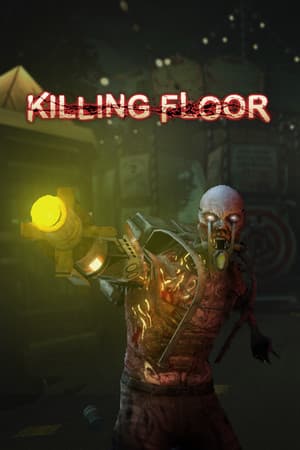 Killing Floor | – | – | – | – | – | – | – | – | – | – | – | – | – | – | – | 72 fpsMedian72 fps1% low30 fps | – | – | – | – | 25% | 10 Nov 26 |
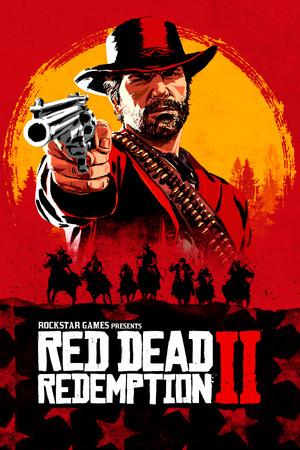 Red Dead Redemption 2 | – | – | – | – | – | – | – | – | – | – | – | – | – | – | 60 fpsMedian60 fps1% low1 fps | – | – | – | 120 fpsMedian120 fps1% low2 fps | – | 0% | 24 Nov 26 |
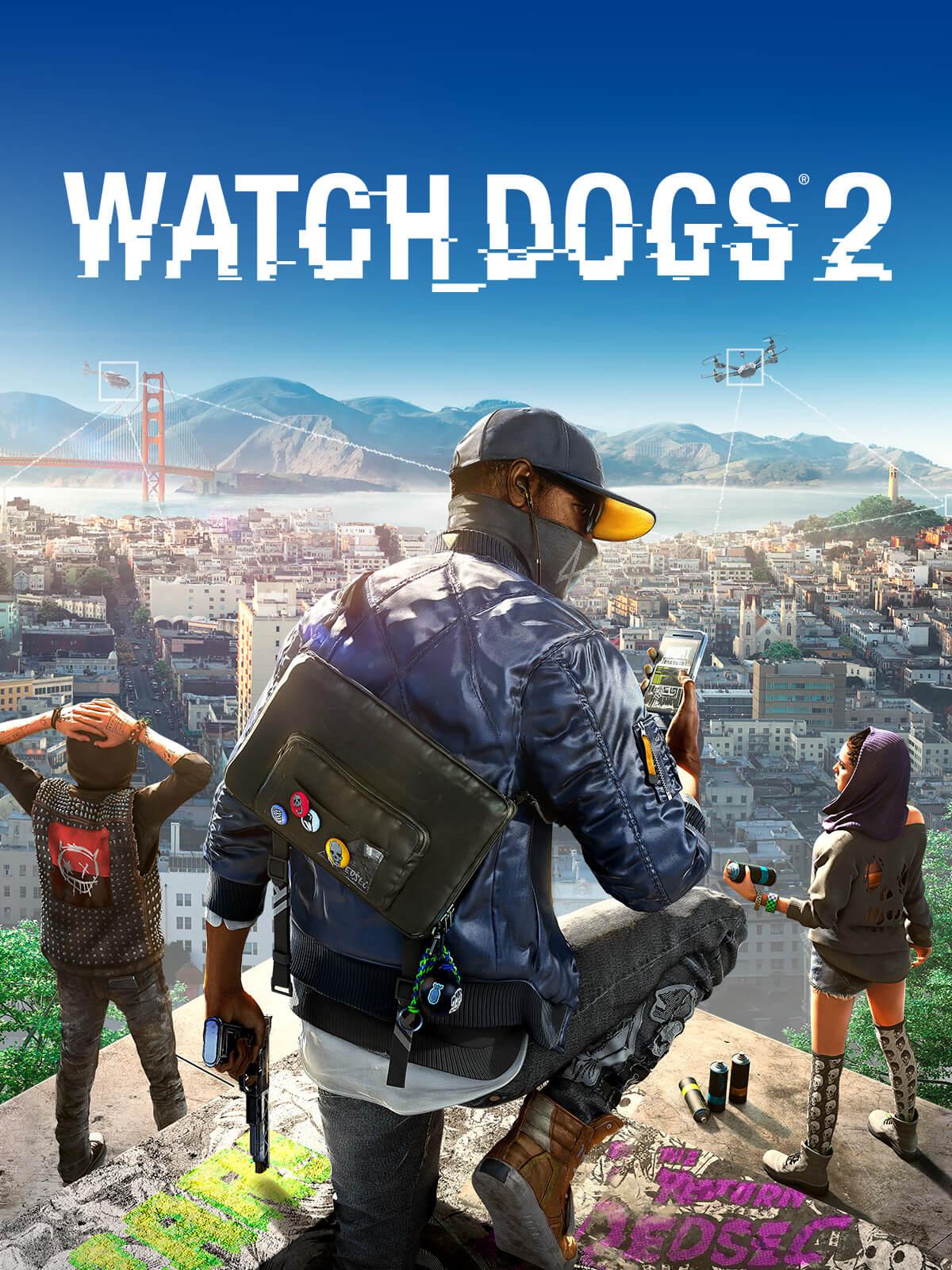 Watch Dogs 2 | – | – | – | – | – | – | – | – | – | – | – | – | – | – | – | – | – | – | – | – | 25% | 22 Nov 26 |
 Overwatch® | – | 54 fpsMedian54 fps1% low29 fps | 60 fpsMedian60 fps1% low35 fps | 40 fpsMedian40 fps1% low22 fps | – | – | – | – | 101 fpsMedian101 fps1% low33 fps | – | – | 57 fpsMedian57 fps1% low35 fps | 88 fpsMedian88 fps1% low25 fps | – | 59 fpsMedian59 fps1% low32 fps | 120 fpsMedian120 fps1% low31 fps | 2 fpsMedian2 fps1% low2 fps | – | – | – | 2% | 22 Nov 26 |
 Tom Clancy's Rainbow Six Siege | – | – | – | – | – | – | – | – | – | – | – | – | – | – | – | – | – | – | – | – | 10% | 23 Nov 26 |
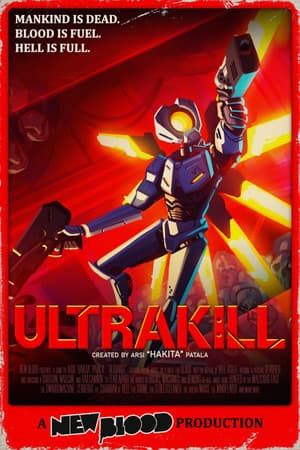 ULTRAKILL | – | – | – | – | – | – | – | – | – | – | – | 100 fpsMedian100 fps1% low100 fps | – | – | – | – | 120 fpsMedian120 fps1% low120 fps | – | – | – | 81% | 20 Nov 26 |
 VALORANT | – | – | – | – | – | – | – | – | – | – | – | – | – | – | – | – | – | – | – | – | 39% | 22 Nov 26 |
 Fallout 4 | – | 60 fpsMedian60 fps1% low54 fps | – | – | – | – | – | – | – | – | – | 60 fpsMedian60 fps1% low60 fps | 60 fpsMedian60 fps1% low30 fps | – | – | 60 fpsMedian60 fps1% low60 fps | – | – | – | – | 0% | 22 Nov 26 |
 Tactics Ogre: Reborn | – | 60 fpsMedian60 fps1% low47 fps | – | – | – | – | – | – | – | – | – | – | – | – | – | – | – | – | – | – | 0% | 7 Nov 26 |